
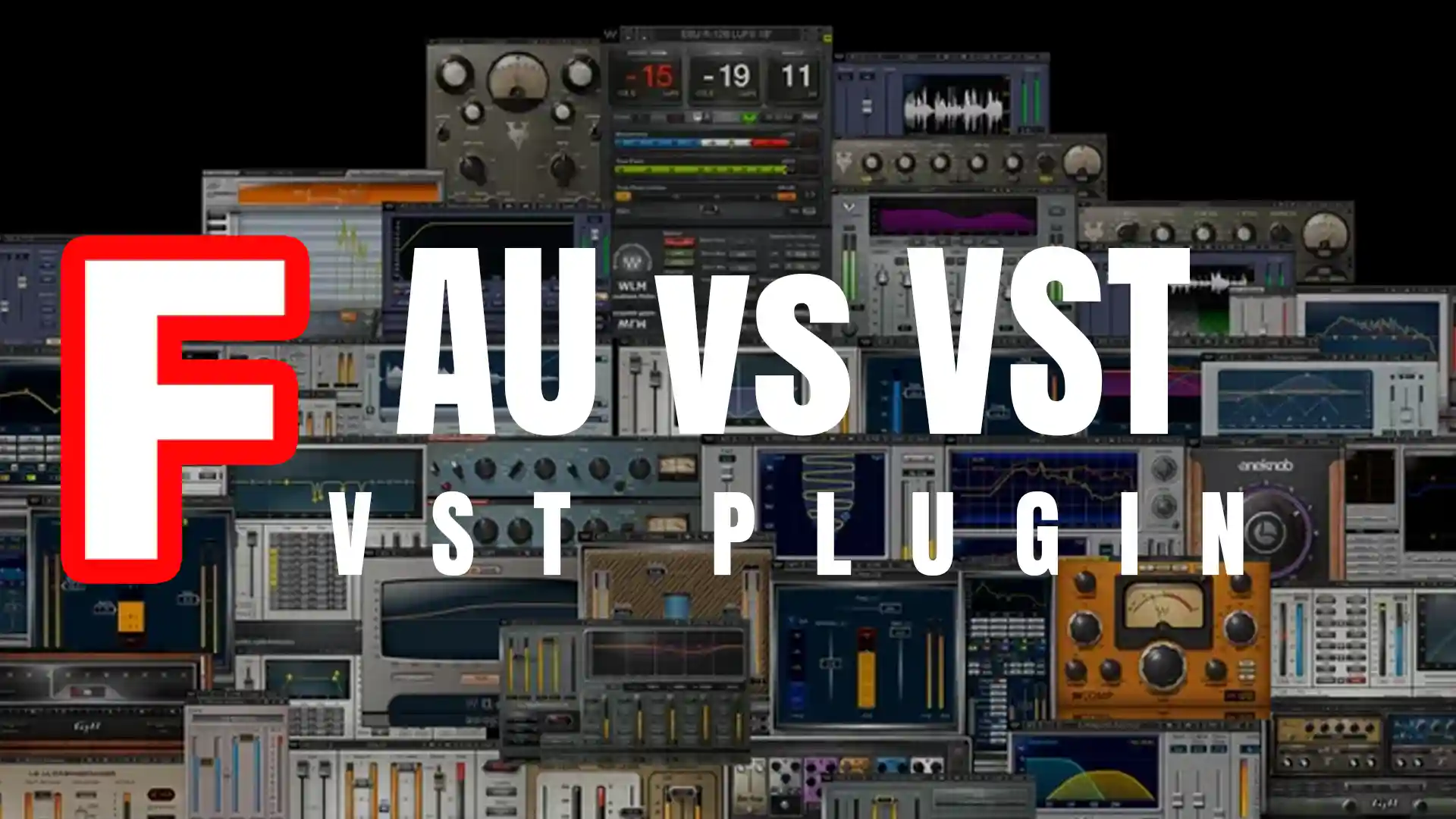
Is AU or VST better?
AU vs VST: Choosing the Ultimate Plugin Format for Your Music Production
No matter your genre or level of expertise, AU and VST plugins are at the heart of any modern producer’s toolkit.
These formats offer unparalleled opportunities to refine, innovate, and elevate your sound. But the question remains: which format reigns supreme?
By the end of this deep dive, you’ll be equipped with the knowledge to confidently decide which plugin format—AU or VST—best suits your needs.
In this guide, we’ll explore:
- The role of plugin formats in music production
- The origins and evolution of VST and AU plugins
- Technical and compatibility nuances between AU and VST
- Sound quality and CPU performance comparisons
- Insights for both Windows and Mac users
Let’s decode these formats and unleash your creative potential.
The Role of Plugin Formats in Music Production
Plugins are the lifeblood of digital music production. While DAWs provide the foundational workspace, plugins bring color, depth, and unique textures to the sonic canvas.
From simulating vintage instruments to applying futuristic effects, AU and VST formats have revolutionized the way music is crafted. But understanding the differences between these formats is crucial for achieving efficiency and compatibility in your workflow.
What is VST?
Virtual Studio Technology (VST) was introduced by Steinberg in 1996 and is considered a groundbreaking innovation in music production.
Why VST Was a Game-Changer:
- Third-Party Integration: VSTs allowed external developers to create effects and instruments that could be seamlessly used in DAWs.
- Versatility: These plugins simulate hardware synthesizers, samplers, and effects processors at a fraction of the cost.
- Cross-Platform Compatibility: VST plugins work across both Windows and Mac, making them highly adaptable.
Fun Fact: Is AU or VST better?
Before VST, producers relied heavily on expensive outboard gear to achieve certain sounds. With the introduction of VST plugins, the music industry became more accessible to aspiring producers.
The Rise of Audio Units (AU)
Apple introduced Audio Units (AU) as its proprietary plugin format, specifically designed for macOS and iOS systems.
What Makes AU Unique:
- Optimized Performance: AU plugins are tightly integrated with Apple’s Core Audio framework, resulting in efficient CPU usage.
- Seamless Compatibility: For macOS-based DAWs like Logic Pro, AU plugins offer unparalleled stability.
- Apple Ecosystem Synergy: AU plugins align with Apple’s design philosophy, emphasizing simplicity and functionality.
Key Consideration:
AU plugins are exclusive to Apple devices, which can be limiting for cross-platform producers or collaborative projects.
Compatibility: Is AU or VST better?
VST:
- Works on both Windows and macOS.
- Supported by nearly all major DAWs, including Ableton Live, FL Studio, and Cubase.
- Ideal for cross-platform collaborations.
AU:
- Exclusive to macOS.
- Fully optimized for Logic Pro and GarageBand users.
- Limited compatibility outside of Apple’s ecosystem.
Bottom Line: If you’re collaborating with a Windows user or working across platforms, VST plugins offer more flexibility.
CPU Efficiency: AU vs. VST
AU:
- Often runs smoother on macOS due to native integration with Core Audio.
- Reduced latency and fewer crashes in Apple environments.
VST:
- Performance can vary depending on the DAW and system.
- Offers excellent efficiency when paired with well-optimized hardware and software.
Pro Tip: Test plugins on your specific setup to determine which format maximizes CPU efficiency.
Sound Quality: Is There a Difference?
In terms of raw sound quality, most producers agree there’s no discernible difference between AU and VST formats.
Sound quality often depends on:
- The developer’s expertise.
- The algorithm powering the plugin.
- Your DAW’s audio engine.
Takeaway: Trust your ears and choose plugins based on their features and how they sound in your mix.
Windows Users: Why VST is King
For Windows-based producers, VST is the default choice. DAWs like FL Studio and Ableton Live are heavily reliant on VST plugins due to their universal compatibility.
Tip: While Pro Tools uses AAX plugins, third-party tools can convert VST to AAX, ensuring you don’t miss out on the vast VST library.
Mac Users: AU or VST?
For Mac users, the decision often depends on the DAW.
- Logic Pro & GarageBand: AU plugins are the standard and run more efficiently.
- Ableton Live & Cubase: Offer support for both AU and VST, giving Mac users greater flexibility.
Pro Tip: If you prefer Logic Pro, stick with AU plugins for optimal performance. However, having VST versions available can be a lifesaver when collaborating.
Staying Updated: The Evolution of Plugin Formats
VST plugins have advanced significantly, with VST3 offering:
- Better performance and efficiency.
- Enhanced MIDI support.
- Automatic plugin bypass for unused tracks.
AU plugins also benefit from continuous updates in Apple’s ecosystem, ensuring they stay ahead in terms of stability and optimization.
Reminder: Regularly update your plugins to access the latest features and fixes.
Is AU or VST better? Final Thoughts
Choosing between AU and VST depends largely on your:
- Operating system.
- DAW of choice.
- Collaboration needs.
For Windows users, VST is the go-to format, while Mac users enjoy the flexibility of both formats.
Ultimately, the best format is the one that complements your workflow and empowers your creativity.
By understanding the strengths and limitations of each format, you’ll make informed decisions that elevate your music production game.
So, what will it be— Is AU or VST better?
FAQs Is AU or VST better?
Q: Can I use both AU and VST plugins in the same project?
A: Yes, depending on your DAW and operating system. Many DAWs, such as Ableton Live and Cubase on macOS, support both formats, allowing you to mix and match plugins in a single project.
Q: Are AU plugins better for Logic Pro?
A: Yes, AU plugins are natively supported and optimized for Logic Pro, ensuring smoother performance and better integration.
Q: Do VST plugins work on macOS?
A: Absolutely. Many VST plugins are cross-platform and run on macOS, but they may not perform as efficiently as AU plugins in Apple-centric DAWs like Logic Pro.
Q: Which format has more plugins available?
A: VST has a broader library due to its compatibility with both Windows and macOS, making it a favorite among developers and producers alike.
Q: Can I convert AU plugins to VST (or vice versa)?
A: Yes, tools like Blue Cat’s PatchWork or specialized wrappers can help you use one format in an environment that doesn’t natively support it. However, performance and compatibility may vary.
Q: Are there free AU and VST plugins available?
A: Definitely! Websites like Splice, Plugin Boutique, and KVR Audio offer a range of free AU and VST plugins to explore. Popular options include Surge (VST/AU) and Tyrell N6 (VST/AU).
Q: Is there a difference in sound quality between AU and VST?
A: No, the sound quality depends on the plugin developer and how the plugin interacts with your DAW. Both formats deliver excellent audio fidelity.
Q: Which format is better for cross-platform collaborations?
A: VST is better suited for cross-platform projects since it’s supported on both Windows and macOS, ensuring smoother collaboration across different systems.
Q: Will AU and VST formats still be relevant in the future?
A: Yes. While new formats may emerge, AU and VST remain industry standards. Developers continue to release updates, keeping these formats relevant for years to come.
Final Advice for Music Producers
When deciding between AU and VST, remember:
- Your DAW and operating system largely determine compatibility.
- Both formats excel in sound quality and features; focus on the plugin’s functionality and creative potential.
- Having a mix of AU and VST plugins in your library can offer greater flexibility for different scenarios.
Whether you’re crafting beats, composing orchestral pieces, or designing experimental soundscapes, the right plugins in the right format can unlock your creative flow.
Now it’s your turn: explore, experiment, and create something extraordinary!
Find My Labels, find Record Label Send Your Demo | findmylabels.com |
SM Mastering | Mix & Master Services smmastering.com